Mass Notification
This feature is used to notify multiple or all customers at once.
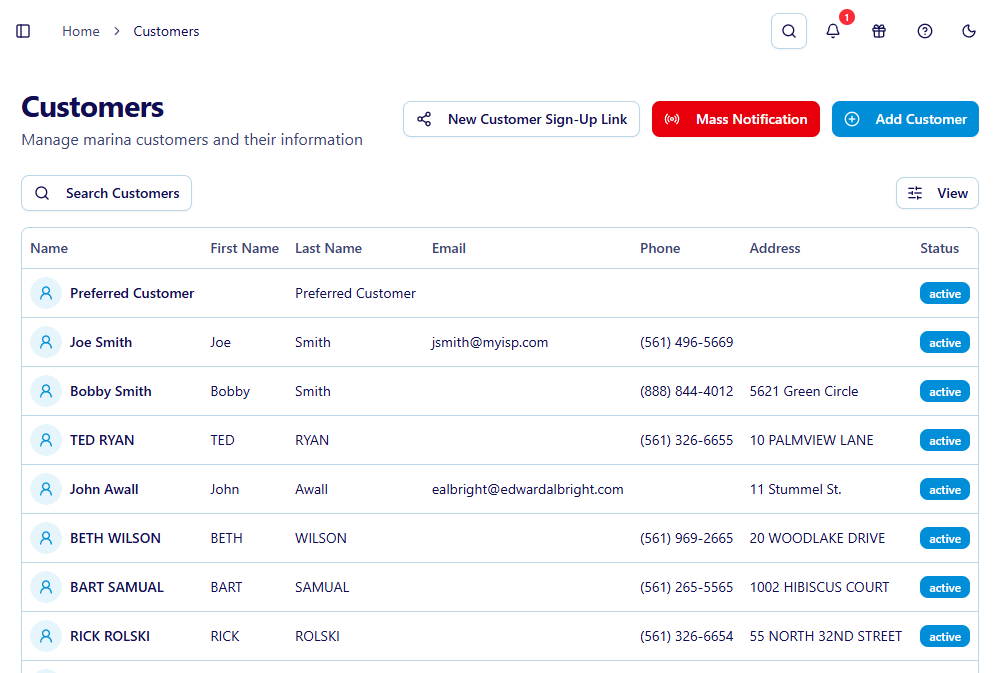
Navigate to Customers and select the red mass notification button
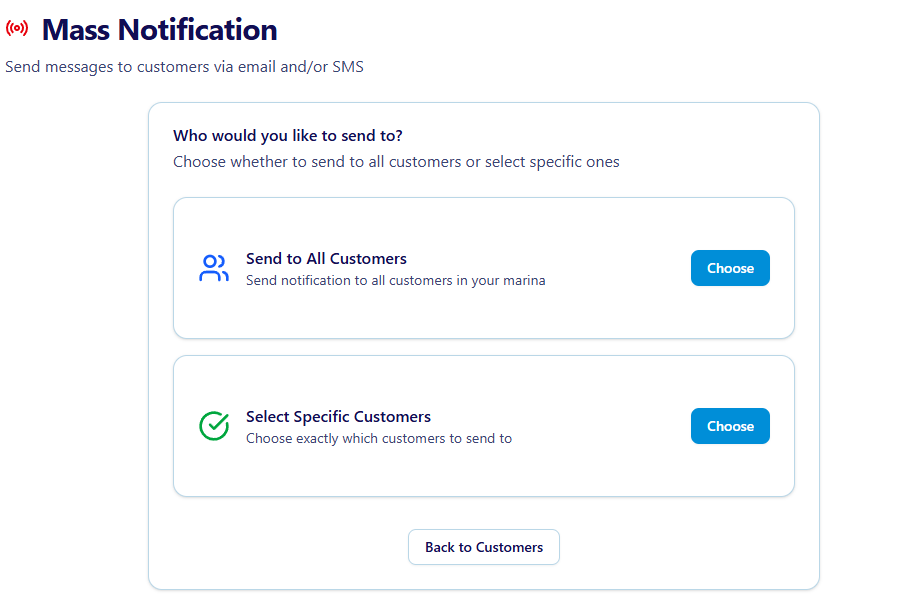
Choose to send to all Customers or select specific customers
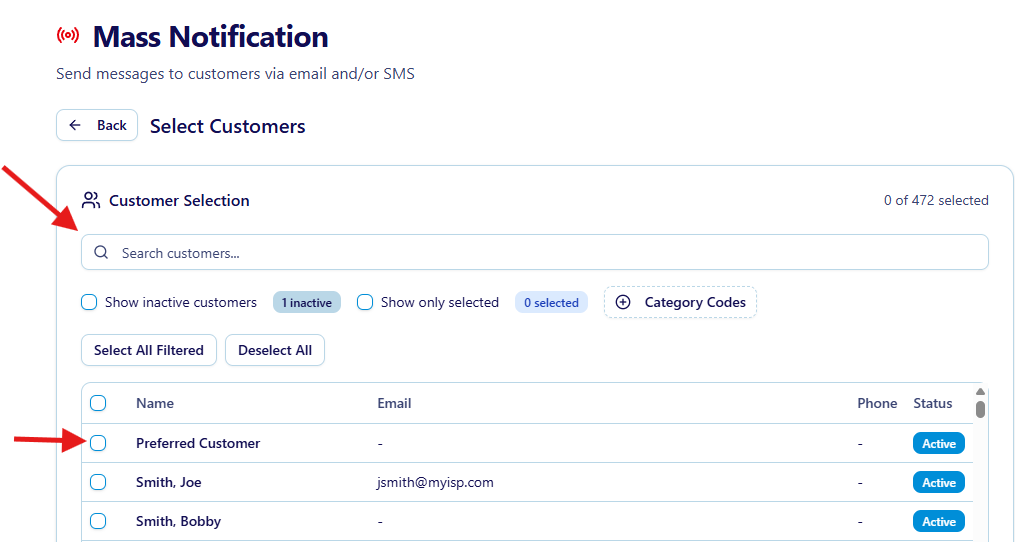
If Selecting Specific Customers they need to be picked. Select Customers by using the search bar or checking off individual customers below. Once the list has been created click continue
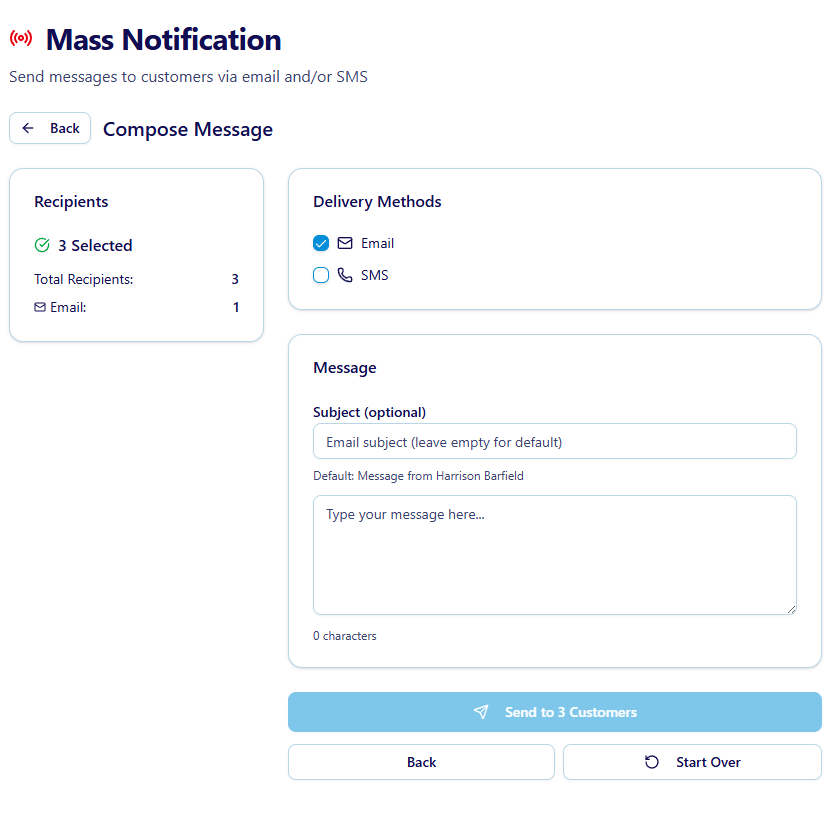
Write Message and Send
The message can be sent over email or sms. Customers will need to have the choosen communication method on their customer file in order to recieve this notification
Once sent the system shows in real time if any sends have failed and will need follow up