DockMaster Web 2.0: Complete Service Management System Arrives

We're thrilled to announce DockMaster Web 2.0.0—our biggest release ever, featuring a comprehensive Service Management system that transforms how marinas handle every aspect of service operations.
This milestone release brings desktop-class service capabilities to the web platform, including complete estimate and work order management, advanced scheduling with drag-and-drop calendar views, and powerful bulk document processing. With over 102,000 lines of new code across 521 files, version 2.0 represents months of development and the largest enhancement to DockMaster Web since launch.
What's New in 2.0.0
🛠️ Service Management System (Beta)
The crown jewel of this release is our complete Service Management system—designed from the ground up to handle everything from initial estimates to completed work orders, all within an intuitive web interface.
Estimates: From Quote to Approval in Minutes
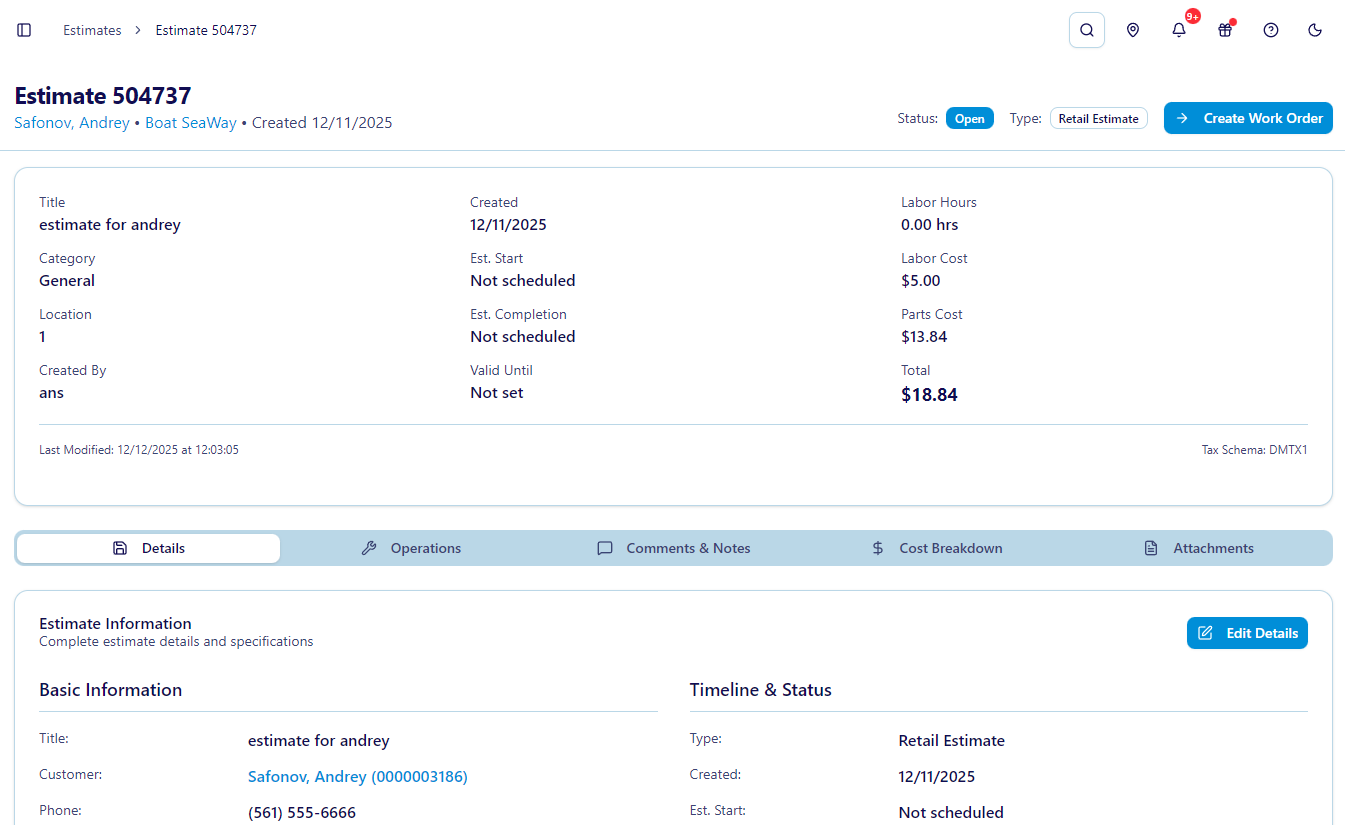
Create professional estimates faster than ever with our multi-step estimate wizard. Simply select a customer and vessel, add operation codes with pricing, and send for approval.
Key Features:
- Multi-Step Creation Wizard: Guided workflow walks you through customer selection, vessel details, and operation codes
- Detailed Estimate View: Comprehensive breakdown of operations, pricing, labor, and parts with real-time totals
- One-Click Conversion: Transform approved estimates into work orders instantly
- Status Management: Track estimate lifecycle from draft to approved with automatic notifications
- Smart Search: Find any estimate quickly with advanced filtering and pagination
Work Orders: Complete Lifecycle Management
Manage every aspect of service work from creation to completion with our comprehensive work order system.
Powerful Capabilities:
- Comprehensive Detail Page: Multiple tabs organize basic info, operations, labor tracking, parts, sublets, and attachments
- Status & Type Management: Track work order progress from open to completed with custom status types
- Time Entry System: Log technician hours with accurate labor tracking and cost calculations
- Parts Integration: Add parts directly to work orders with inventory integration and cost tracking
- Manager Comments: Internal notes and communications keep everyone informed
- Approval Workflows: Formal work order approval process with manager sign-off
- Advanced Search: Find work orders by customer, vessel, status, date, or any custom criteria
Operations Management: The Heart of Service Tracking
Operation codes are the foundation of accurate service tracking, and our system makes them easy to browse, search, and apply.
What You Can Do:
- Operation Browser: Search across all available operation codes with filtering
- Detailed Operation Pages: Each operation has dedicated tabs for pricing, labor, parts, and scheduling
- Labor Tracking: Track technician hours with hourly rates and automatic calculations
- Parts Integration: Link parts to operations for accurate cost tracking and inventory management
- Sublet Management: Track external vendor work with proper cost attribution
- Flat Rate Support: Use flat rate pricing alongside hourly rates
- Status Tracking: Monitor operation progress from scheduled to completed
Pricing Flexibility:
Support both flat rate and time-and-materials pricing within the same work order, giving you the flexibility to price services however your marina operates.
📅 Advanced Scheduling System
Managing technician schedules has never been easier. Our drag-and-drop scheduling system provides multiple calendar views and intelligent conflict detection.
Calendar Views:
- Day View: Detailed hourly breakdown for precise scheduling
- Week View: See your entire week at a glance with color-coded appointments
- Month View: Long-range planning with month-level visibility
- Year View: Annual planning and resource allocation
- Timeline View: Gantt-style visualization of overlapping work
Smart Features:
- Drag-and-Drop Rescheduling: Move appointments effortlessly across days and technicians
- Conflict Detection: Automatic alerts when scheduling conflicts arise with smart suggestions
- Technician Availability: Visual indicators show when technicians are available or booked
- Bulk Scheduling: Schedule multiple operations at once for efficient planning
- Color-Coded Labels: Customize schedule labels with colors for visual organization
- Unscheduled Operations: Dedicated panel shows pending work that needs scheduling
- Manager & Technician Views: Different interfaces optimized for managers (full control) and technicians (personal schedules)
Session-Based Workflow:
The scheduling system maintains context as you work, remembering your selections and preferences throughout your session for a seamless experience.
📄 Bulk Document Sending: Mass Distribution Made Easy
Send personalized documents to hundreds of customers simultaneously with our intelligent bulk document system.
How It Works:
- Upload CSV: Start with a CSV file containing customer data and field values
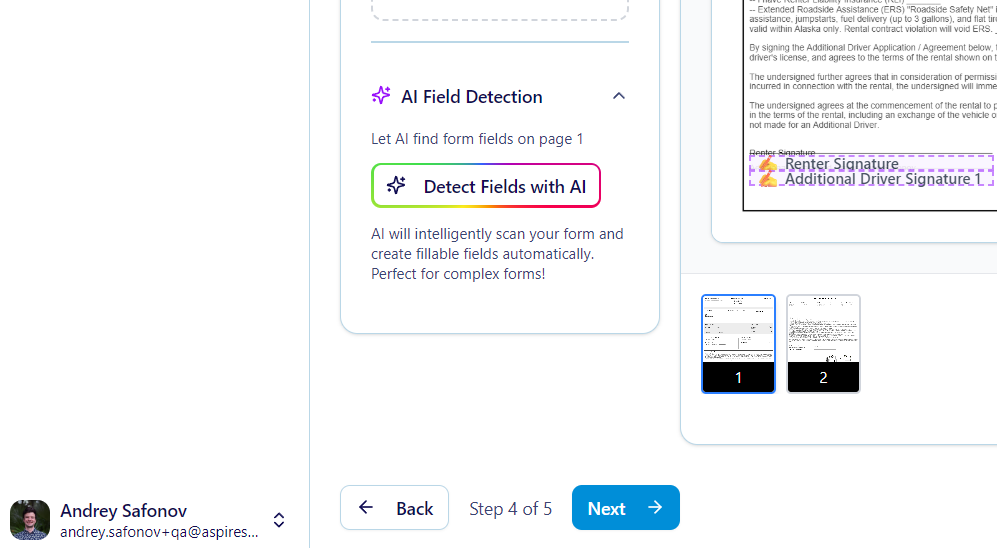
- Automatic Field Mapping: Our fuzzy logic algorithms automatically match CSV columns to PDF fields
- Manual Refinement: Fine-tune field mappings with an intuitive interface
- Review & Validate: Preview how documents will be populated before sending
- Bulk Send: Distribute personalized documents to all customers at once
Advanced Capabilities:
- Fuzzy Logic Matching: Intelligent algorithms match fields even when column names don't match exactly
- Customer Validation: Automatic lookup ensures all customers exist in your database
- Field Management: Add or remove fields during the mapping process
- Template Integration: Use existing document templates for consistent branding
- Word-Based Matching: Advanced string matching handles variations in field names
Use Cases:
- Annual insurance renewal forms sent to all slip holders
- Season preparation checklists customized per vessel
- Mass notifications with personalized document attachments
📝 Enhanced E-Signature Capabilities
Building on our robust e-signature platform, version 2.0 adds powerful enhancements for complex document workflows.
New Capabilities:
- Multiple Signer Support: Documents can now require signatures from multiple parties with individual field assignments
- Category Code Integration: Organize documents with category codes for better classification
- Improved PDF Processing: Faster rendering and better field detection for production builds
- Enhanced Template Import: Better detection of radio buttons, dropdowns, and form fields
- International Character Support: UTF-16BE decoding handles special characters properly
Workflow Improvements:
The entire signing process has been optimized with better validation, clearer customer portal restrictions, and proper signer identification throughout the workflow.
🔧 Customer & Vessel Management Enhancements
Customer Enhancements:
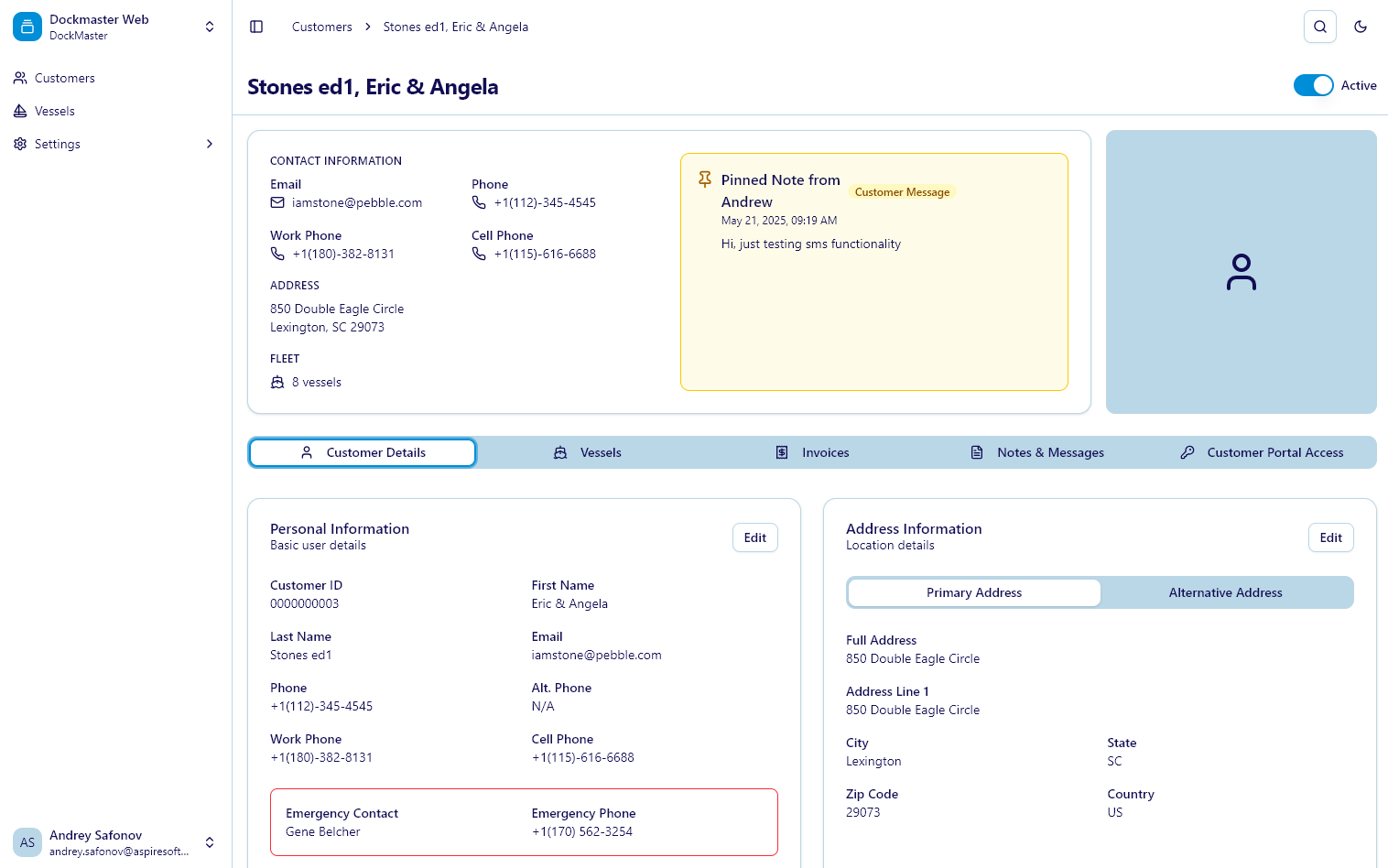
- Category Codes: Classify customers by type for better organization and reporting
- Billing Codes: Custom billing rules per vessel for flexible invoicing
- Enhanced Search: Find customers faster with improved multi-criteria search
- Data Validation: Ensure customer information quality with automatic validation
Vessel Enhancements:
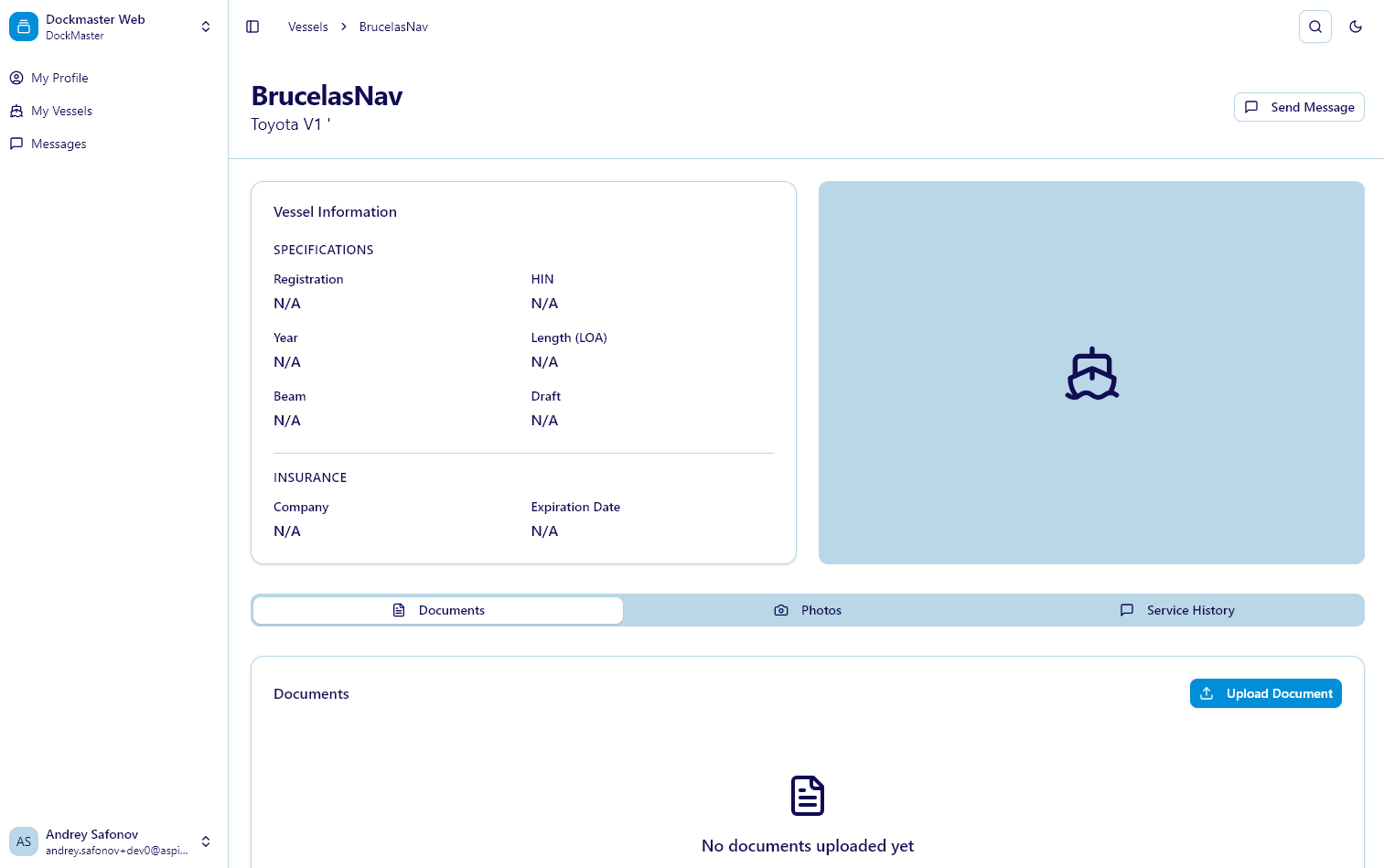
- HIN Support: Proper Hull Identification Number tracking for compliance
- Category Filtering: Classify vessels by type (powerboat, sailboat, etc.)
- Service History: Complete service record tracking showing all work performed
- Vessel Notes: Important vessel-specific information accessible to all staff
- Enhanced Propulsion Details: Comprehensive tracking of engines, generators, drives, and transoms
- Quick Search Modal: Fast vessel lookup from anywhere in the application
👥 User Management & Permissions
Clerk Linking:
Users can now be linked to clerks from DockMaster Desktop, providing integrated permissions and seamless desktop-web coordination.
Permission Requirements:
The new Service Management features require proper role permissions to be configured. Marina administrators should review and update user roles to grant appropriate access to estimates, work orders, and scheduling features.
🔔 Enhanced Notifications
Stay informed about service operations with new notification types:
- Work Order Notifications: Alerts when work order status changes
- Estimate Notifications: Notifications for estimate approvals and status updates
- Service Notifications: General service-related alerts
- Improved Polling: Better authentication checks and more reliable notification delivery
🗺️ Navigation & Integration
Updated Navigation:
- New Service Management section in the main navigation
- Nested routes for estimates, work orders, operations, and scheduling
- Transactions section (renamed from Payment Processing) with Beta badge
- Improved flow between related features
Desktop Integration:
The DME (DockMaster Engine) service provides alignment with DockMaster Desktop APIs, enabling batch request/response handling and ensuring data consistency between platforms.
🔐 Additional Enhancements
- Clerk Management: Dedicated clerk selection and validation throughout service features
- Location Management: Track work across multiple facilities
- Department Organization: Assign work to specific departments
- Vendor Management: Complete vendor database for sublet work
- Schedule Labels: Customizable color-coded labels for visual schedule organization
- Barcode Scanner: Parts tracking with barcode input support
- Enhanced Global Search: Find vessels and customers faster from anywhere
Getting Started with Service Management
For Marina Administrators:
- Review Permissions: Update user roles to grant access to Service Management features
- Explore Estimates: Create your first estimate using the multi-step wizard
- Try Scheduling: Open the scheduler and experiment with the drag-and-drop calendar
- Link Clerks: Connect web users to desktop clerks for integrated permissions
For Customers:
Service management is currently internal-facing, but future updates will bring customer portal integration for work order visibility and estimate approvals.
What's Next?
Version 2.0 lays the foundation for future service management enhancements. We're already working on:
- Customer Portal Integration: Estimate/Work order visibility for customers
- Operation Code Review & Approval: Introduce review and approval workflows at the operation code (opcode) level for more granular control of service processes
- Inventory Management: Full parts inventory with purchase orders (coming soon)
- Payment Integration: Process payments directly from estimates and work orders (coming soon)
Beta Designation
The Service Management system is currently marked as Beta while we gather feedback from real-world usage. The features are fully functional and production-ready, but we're actively collecting user feedback to refine workflows and add requested capabilities.
Experience the Future of Marina Service Management
DockMaster Web 2.0.0 brings the comprehensive service management capabilities marinas need to operate efficiently in the modern era. From initial estimates to completed work orders, every aspect of service operations is now streamlined, trackable, and accessible from any device.
These features are available now for all DockMaster Web customers. Log in to explore the new Service Management section and experience the future of marina operations.
Resources
- Full Changelog: Complete list of all changes in version 2.0.0
- Support: Questions? Our team is here to help
Have questions about the new Service Management system? Want to share feedback on the beta features? Please report any issues or suggestions to Andrey (Head of Product)—your feedback directly shapes the product roadmap.
Welcome to DockMaster Web 2.0! 🚀